iPhone Storage Options: Navigating iCloud and On-Device Memory for Android Switchers
Understanding iPhone Storage: A Guide for Android Switchers
One of the first considerations for Android users migrating to the iPhone ecosystem is understanding how Apple handles storage. Unlike many Android devices that offer expandable storage via microSD cards, iPhones rely on a fixed amount of internal storage supplemented by iCloud, Apple's cloud storage service. This difference can be a significant adjustment, requiring careful planning and management.
Editor's pick: Android-to-iPhone migration accessories on Amazon → As an Amazon Associate, this site earns from qualifying purchases.
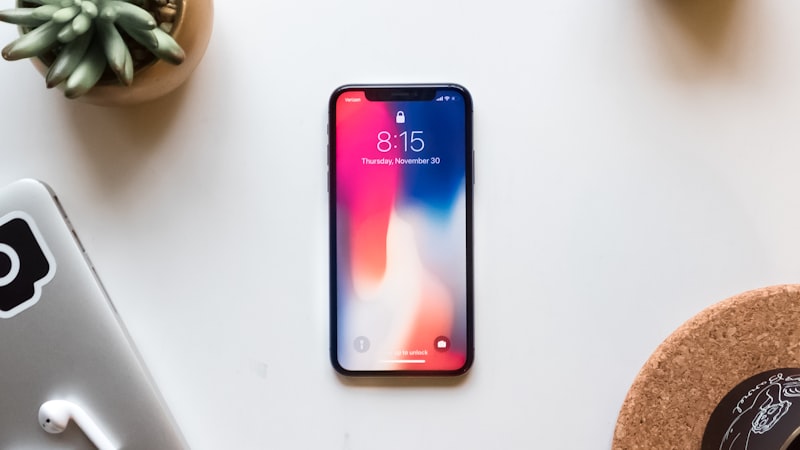
On-Device Storage: Choosing the Right Capacity
When purchasing an iPhone, you'll encounter various storage options, typically ranging from 128GB to 1TB. Selecting the appropriate capacity is crucial, as it directly impacts your ability to store photos, videos, apps, and other files directly on your device. Consider your current Android usage patterns to determine your storage needs. Ask yourself:
- How much storage am I currently using on my Android device?
- Do I primarily use cloud storage for photos and videos, or do I prefer keeping them on my device?
- How many apps do I typically have installed?
- Do I download movies and TV shows for offline viewing?
A general rule of thumb is to overestimate your needs slightly to avoid running out of space prematurely. While iCloud offers a convenient way to offload less frequently accessed files, having sufficient on-device storage ensures that your essential data is always readily available.
iCloud Integration: A Seamless Cloud Experience
iCloud is deeply integrated into the iPhone experience, providing a seamless way to back up your device, sync data across multiple Apple devices, and store files in the cloud. Upon switching from Android, you'll likely want to explore iCloud's capabilities. Apple offers a limited amount of free iCloud storage, but you'll likely need to upgrade to a paid plan to accommodate your photos, videos, and other data.
iCloud offers several key benefits for Android switchers:
- Automatic Backups: Your iPhone is automatically backed up to iCloud, ensuring that your data is safe in case of loss or damage.
- Photo and Video Storage: iCloud Photos allows you to store your entire photo and video library in the cloud, freeing up space on your device. You can choose to optimize storage by keeping smaller, optimized versions of your photos on your iPhone while retaining the original, high-resolution versions in iCloud.
- File Sharing: iCloud Drive allows you to store and share files with other users, regardless of whether they're using Apple devices or not.
- Cross-Device Syncing: iCloud seamlessly syncs your contacts, calendars, notes, and other data across all your Apple devices.
Optimizing iPhone Storage: Tips and Tricks
Even with ample on-device storage and iCloud integration, it's essential to optimize your iPhone's storage to ensure optimal performance. Here are some tips to consider:
- Review Storage Recommendations: iOS provides personalized storage recommendations in the Settings app, suggesting ways to free up space.
- Offload Unused Apps: iOS can automatically offload apps that you haven't used in a while, freeing up storage while preserving your data.
- Manage Photos and Videos: Regularly review your photo and video library and delete any unnecessary files. Consider using iCloud Photos to optimize storage by keeping smaller versions of your photos on your device.
- Clear Browser Cache: Clear your browser cache and website data regularly to free up storage.
- Delete Large Attachments: Review your Messages app and delete any large attachments that you no longer need.
Making the Most of Your Storage
By carefully considering your storage needs, leveraging iCloud integration, and optimizing your iPhone's storage, you can ensure a smooth and enjoyable experience after switching from Android. While the lack of expandable storage may initially seem like a limitation, the combination of ample on-device storage and seamless cloud integration provides a powerful and convenient solution for managing your data.
As we explored in our analysis of display technology at iPhone View, screen resolution impacts storage needs for photos and videos, so consider that when selecting your iPhone model: https://iphoneview.com