iPhone and Android: Adapting to the Different World of File Sharing
Navigating File Sharing on iPhone After Switching from Android
One of the more noticeable differences when switching from Android to iPhone is the way file sharing is handled. Android's open file system and ubiquitous sharing options, often relying on simple Bluetooth transfers or direct access to storage, contrast sharply with iPhone's more controlled ecosystem. This article explores the various file-sharing methods available on iPhone and how Android converts can adapt.
Editor's pick: Android-to-iPhone migration accessories on Amazon → As an Amazon Associate, this site earns from qualifying purchases.
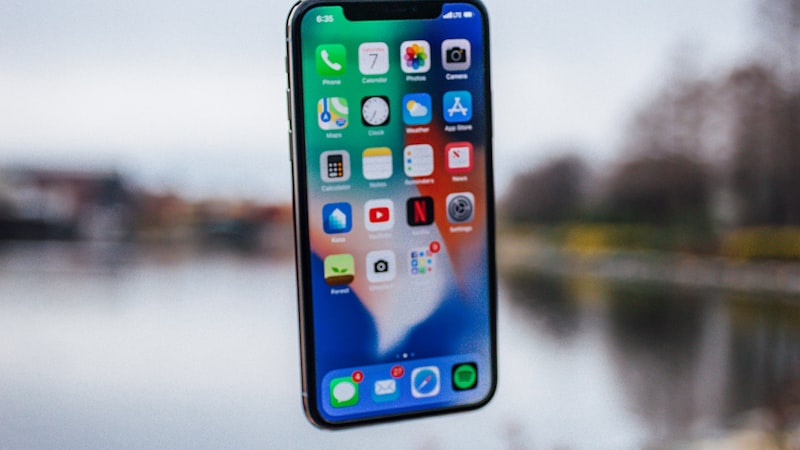
AirDrop: Apple's Wireless Transfer Solution
AirDrop is Apple's proprietary wireless file-sharing service, allowing quick and easy transfer of photos, videos, documents, and other files between Apple devices. It leverages Bluetooth for discovery and Wi-Fi Direct for faster data transfer. For Android users, the convenience of AirDrop is undeniable, but it requires a shift in mindset. Instead of browsing a file system and selecting 'share' through a variety of apps, you select the AirDrop option and the receiving device. Key considerations for new users:
- Visibility: AirDrop settings allow you to choose who can see your device for sharing: Everyone, Contacts Only, or Receiving Off. Choosing 'Contacts Only' requires both sender and receiver to be logged into iCloud and have each other in their contacts.
- Compatibility: AirDrop is exclusive to Apple devices (iPhones, iPads, Macs). It cannot be used to directly share files with Android devices.
- Troubleshooting: Common AirDrop issues include Wi-Fi or Bluetooth connectivity problems, incorrect visibility settings, or outdated software.
iCloud Drive: Cloud-Based File Storage and Sharing
iCloud Drive is Apple's cloud storage service, similar to Google Drive or Dropbox. It allows you to store files in the cloud and access them from any device logged into your iCloud account. It also facilitates sharing files and folders with others, even non-Apple users.
- Sharing Links: You can create a public or private link to a file or folder in iCloud Drive and share it via email, messaging apps, or any other method. This allows Android users to access the content.
- Collaboration: iCloud Drive supports real-time collaboration on documents, spreadsheets, and presentations created with Apple's iWork suite (Pages, Numbers, Keynote). This feature is accessible to collaborators on any platform via a web browser.
- Storage Limits: iCloud offers 5GB of free storage, which may be insufficient for users migrating from Android who are accustomed to larger free storage tiers on Google Drive. Upgrading to iCloud+ provides more storage options.
Third-Party Apps: Bridging the Gap
While AirDrop and iCloud Drive are the primary file-sharing methods within the Apple ecosystem, third-party apps offer cross-platform compatibility and additional features.
- Cloud Storage Services: Google Drive, Dropbox, OneDrive, and other popular cloud storage services are available on both Android and iOS. Using these services provides a consistent file-sharing experience across platforms.
- Messaging Apps: Many messaging apps, such as WhatsApp, Telegram, and Signal, allow you to send files of various types to contacts on any platform.
- File Transfer Apps: Apps like SHAREit or Xender, while less prevalent on iOS, can facilitate direct file transfers between iPhones and Android devices. However, these apps often come with intrusive advertising and privacy concerns.
Adapting to the iPhone File Sharing Paradigm
The key to a smooth transition is understanding the limitations and advantages of the iPhone's file-sharing ecosystem. While the initial adjustment may feel restrictive compared to Android's open approach, AirDrop offers unmatched convenience within the Apple ecosystem, and iCloud Drive provides a robust cloud-based solution for sharing with a wider audience. By leveraging third-party apps strategically, Android switchers can maintain compatibility with their existing workflows and contacts. Ultimately, adapting to the iPhone's file-sharing paradigm involves embracing a more curated and controlled environment, prioritizing security and ease of use within the Apple ecosystem.
As we explored in our analysis of display technology at iPhone View, the iPhone screen is an important part of content consumption and sharing, and understanding how files are managed helps maximize that experience. https://iphoneview.com