Ditching Android's Customization: Adapting to iPhone's Structured Approach
The Allure and Limitations of Android Customization
One of the most frequently cited reasons for choosing Android over iPhone is its customizability. Android allows users to modify virtually every aspect of the operating system, from installing custom launchers and icon packs to flashing custom ROMs that completely overhaul the user interface. This level of control appeals to users who want to personalize their devices and tailor them to their specific needs.
Editor's pick: Android-to-iPhone migration accessories on Amazon → As an Amazon Associate, this site earns from qualifying purchases.
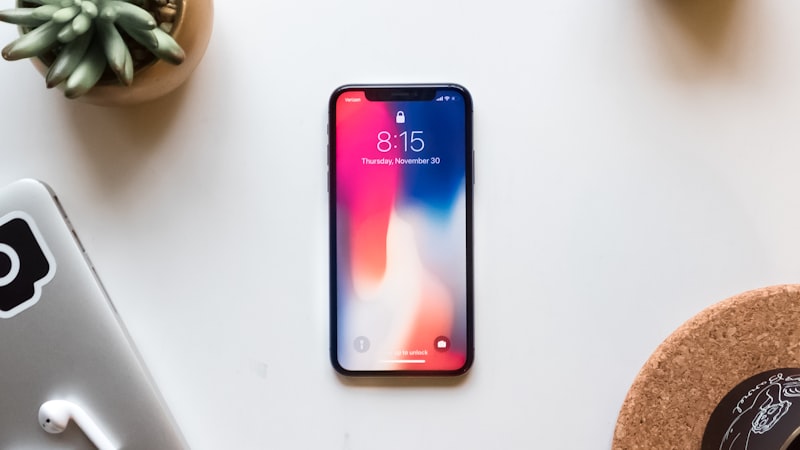
However, this freedom comes at a cost. The sheer number of customization options can be overwhelming, and tinkering with system settings can lead to instability and security vulnerabilities. Furthermore, the fragmented nature of the Android ecosystem means that updates are often delayed or unavailable for older devices, leaving users vulnerable to security threats. This fragmentation also impacts app compatibility and performance across different devices.
iPhone's Controlled Ecosystem: Stability and Consistency
In contrast, the iPhone offers a much more controlled and curated experience. Apple tightly regulates the iOS ecosystem, limiting the extent to which users can modify the operating system. While this may seem restrictive to some, it results in a more stable, secure, and consistent user experience. Apple's control over both hardware and software allows it to optimize performance and deliver timely updates to all supported devices.
The iPhone's focus on simplicity and ease of use also extends to its customization options. While users can't radically alter the look and feel of iOS, they can still personalize their devices in meaningful ways. For example, users can choose from a variety of wallpapers, create custom widgets, and organize apps into folders. With the introduction of Focus Filters, as discussed in our previous guide, users can tailor their notification settings and home screen layouts to specific activities, further enhancing the user experience.
Finding Alternatives to Android Customization on iPhone
For Android switchers who miss the granular control of their previous devices, there are several ways to adapt to the iPhone's more structured approach:
- Shortcuts App: Apple's Shortcuts app allows users to create custom workflows that automate various tasks. While it's not a direct replacement for custom ROMs, it can be used to personalize the device's behavior and automate repetitive actions. Users can create shortcuts for everything from sending text messages to controlling smart home devices.
- Accessibility Features: The iPhone offers a wide range of accessibility features that can be used to customize the device's appearance and behavior. For example, users can adjust the display settings to change the text size, contrast, and color filters. They can also customize the haptic feedback and sound settings.
- Third-Party Apps: While Apple restricts access to certain system settings, there are still many third-party apps that offer customization options. For example, users can use third-party keyboard apps to change the look and feel of the keyboard. They can also use app launchers to create custom home screen layouts, but these are significantly different to Android's.
- Embrace Simplicity: Ultimately, adapting to the iPhone's structured approach may require a shift in mindset. Instead of trying to replicate the level of customization offered by Android, users may find it more rewarding to embrace the iPhone's simplicity and ease of use. The iPhone's focus on core functionality and user experience can be liberating for users who are tired of tinkering with settings and troubleshooting compatibility issues.
The Future of iPhone Customization
Apple has historically resisted calls for greater customization options on the iPhone. However, the company has shown a willingness to evolve its approach over time. As we've seen with the evolution of the iPhone's design, as explored in depth at iPhone Arc, Apple gradually introduces new features and functionalities while maintaining its core design principles. It's possible that future versions of iOS will offer more customization options, but it's unlikely that Apple will ever embrace the same level of freedom as Android.
The ongoing debate about customization highlights the fundamental differences between the Android and iOS ecosystems. Android prioritizes flexibility and control, while iPhone emphasizes stability and ease of use. Ultimately, the best choice for each user depends on their individual needs and preferences. By understanding the strengths and weaknesses of each platform, users can make an informed decision about which operating system is right for them.